Thank you for your interest in our tools, we appreciate it.
You can compare DevExpress product subscriptions and select the one that is most appropriate for your business needs by visiting our Purchase page at www.devexpress.com/buy.
Select Visual Studio Products, Delphi Products, or JavaScript Products and review subscription comparison tables. You can add a product to your shopping cart by clicking a link in the table header.
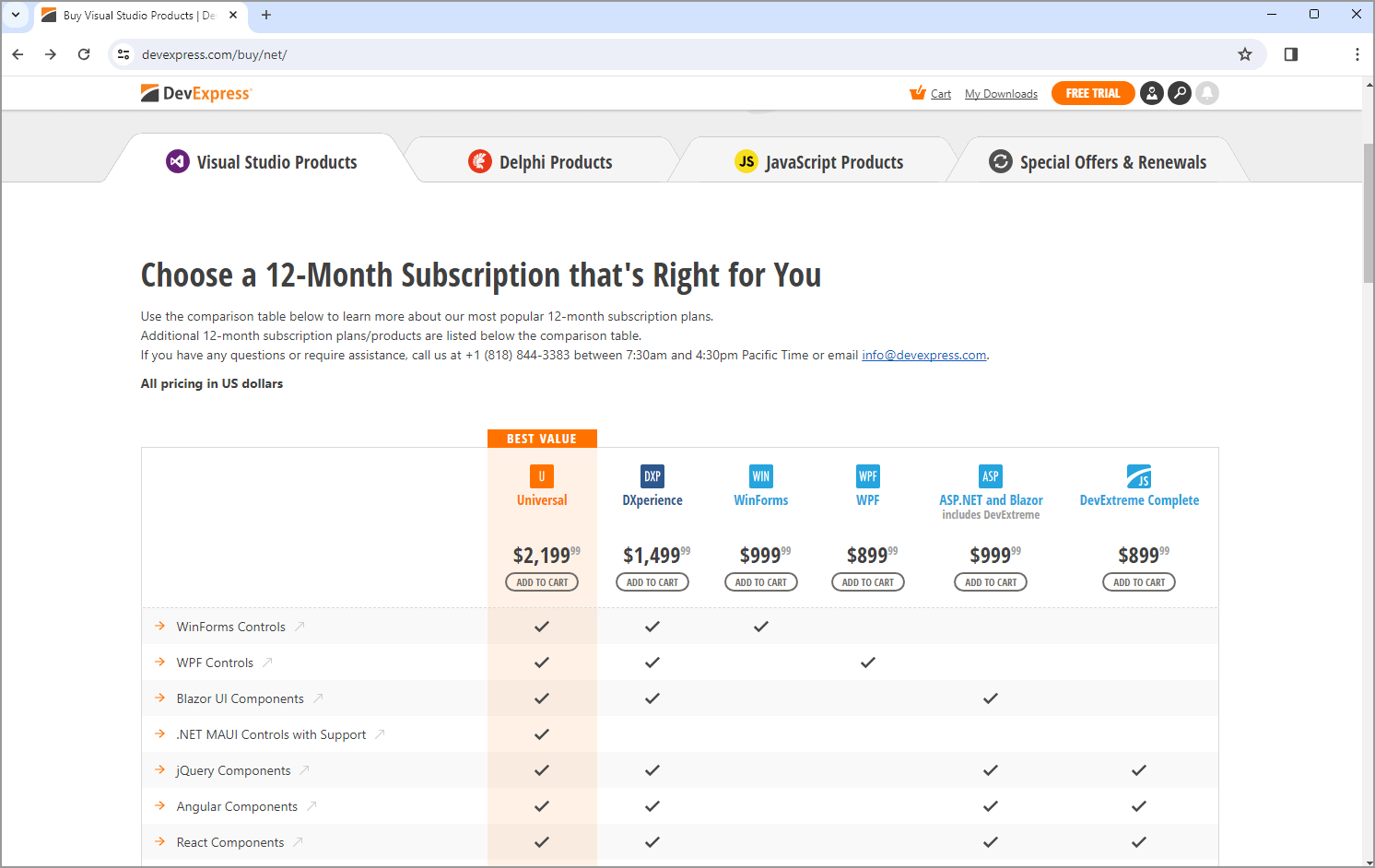 Visual Studio Products
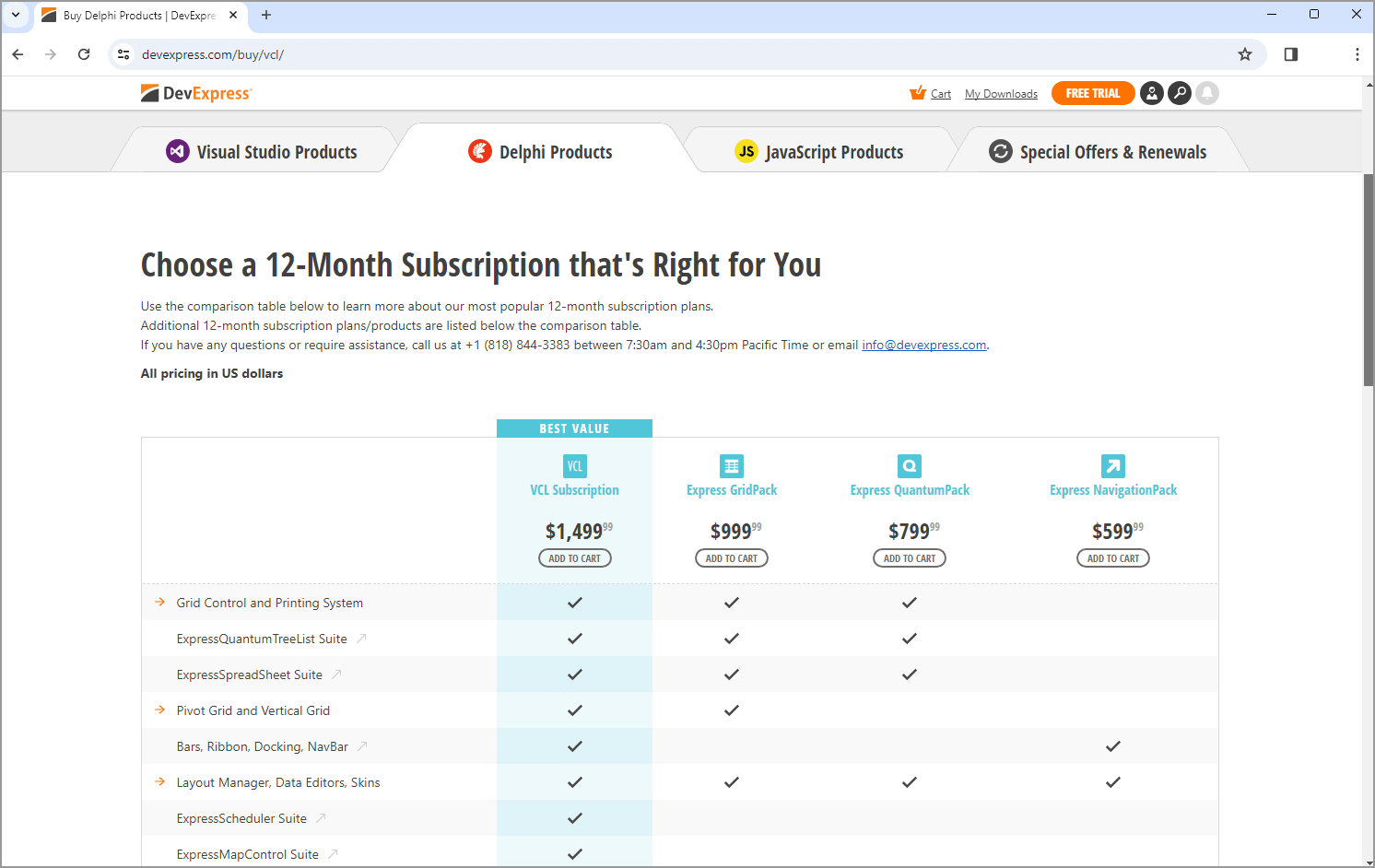 Delphi Products
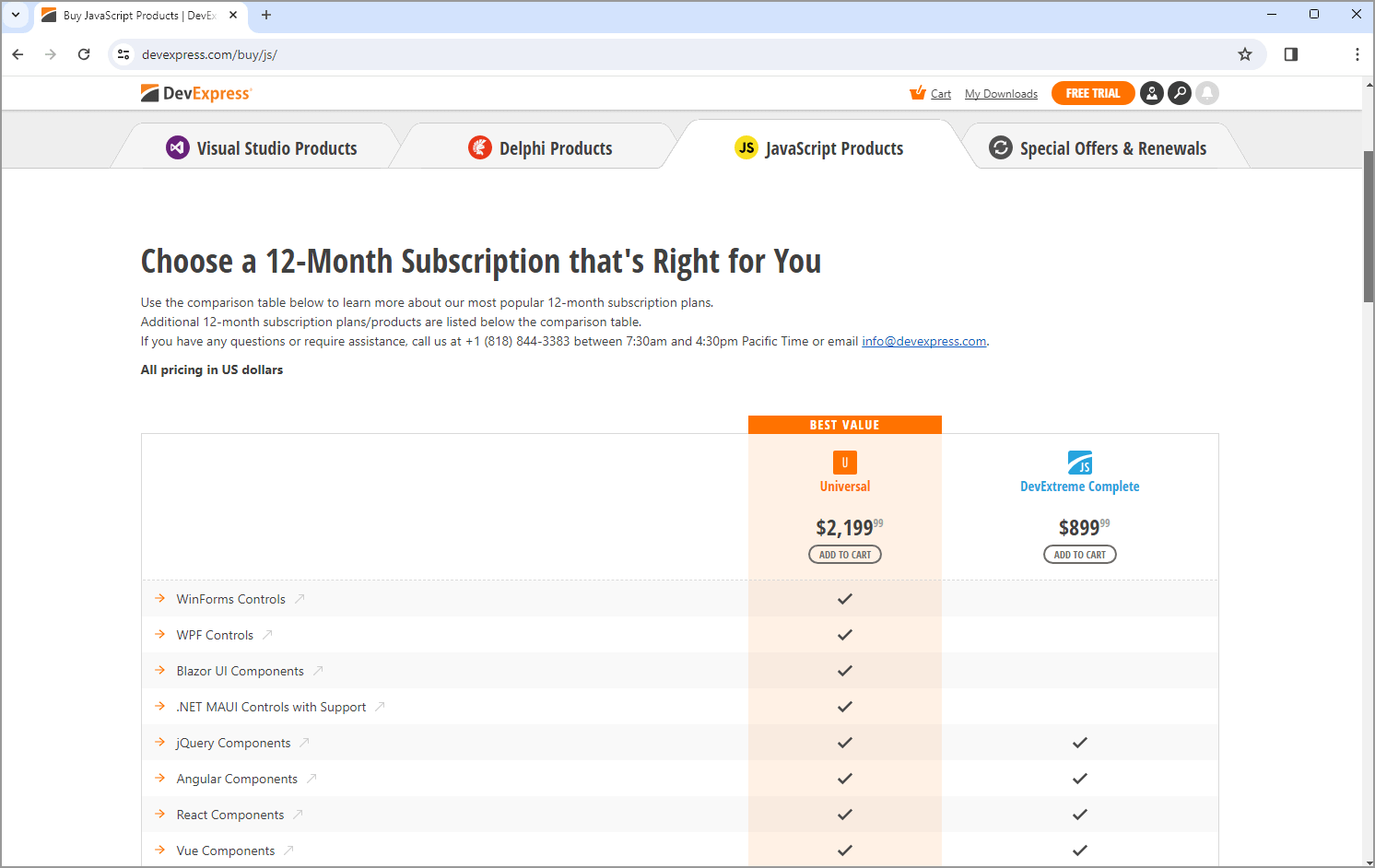 JavaScript Products
If you're interested in products for Visual Studio developers, note several additional products are listed below the comparison table. Click the links in blocks to add products to your shopping cart or to drill down to product description.
Most product pages will have dedicated comparison tables on their landing pages. The image below shows how the Reports page compares available editions. You can add products to cart directly from these tables too.
Once you've added required items to your shopping cart, click Checkout to proceed with your order.
We are here to help. If you require assistance with an order, feel free to call us at +1 (818) 844-3383 between 7:30AM and 4:30PM Pacific Time or email us at info@devexpress.com.